Find competitor backlinks, then win them too
Find competitor backlinks, then win them too
Name a competitor and find competitor backlinks in seconds: every site linking to them, ranked with the junk cut, an email found for each, and the backlink outreach sent from your own mailbox.
No credit card required
Free 200 credits every month
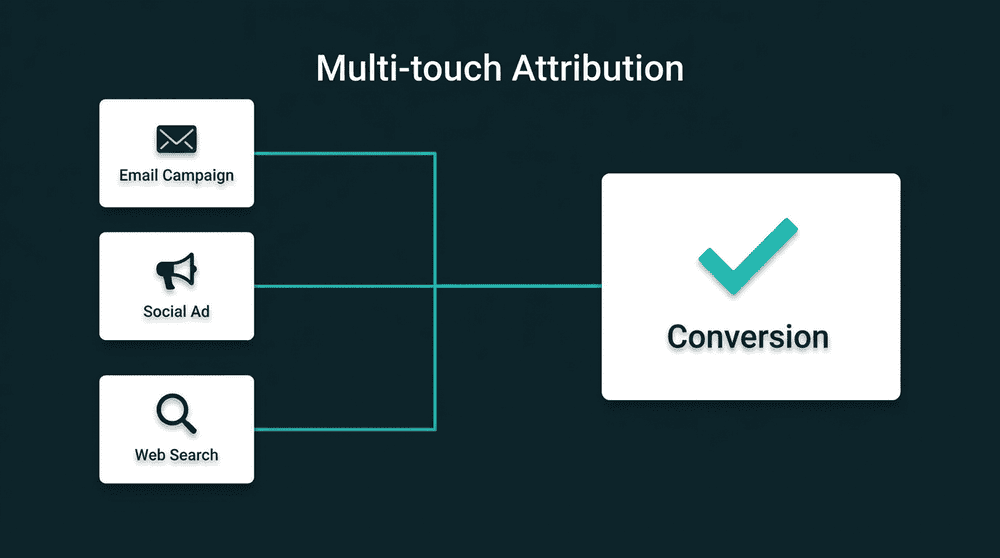
What it costs to find competitor backlinks by hand
Competitor backlinks analysis starts as a CSV out of a link tool, the emails get guessed one site at a time, and the request goes out from a template. Most of the list was never worth writing to.

The export is every link, not the sites worth asking
A competitor with 4,000 backlinks has maybe 300 worth a request. The export gives you all 4,000, several per site, and sorting out the directories and spam blogs is an afternoon in a spreadsheet.

Finding who to email is the slow part
Each site means opening it, hunting for a contact page, guessing editor@ or firstname@ and hoping it lands. Ten minutes a site, and the bounces tell you which guesses were wrong.

One template goes to a blog, a directory and a news site
The link tool does not send, so the list moves to a mail merge with one template. Nobody mentions the page the link sits on or why their readers clicked it, and the follow-up never goes out.
Each linking site once, ranked, with the spam cut
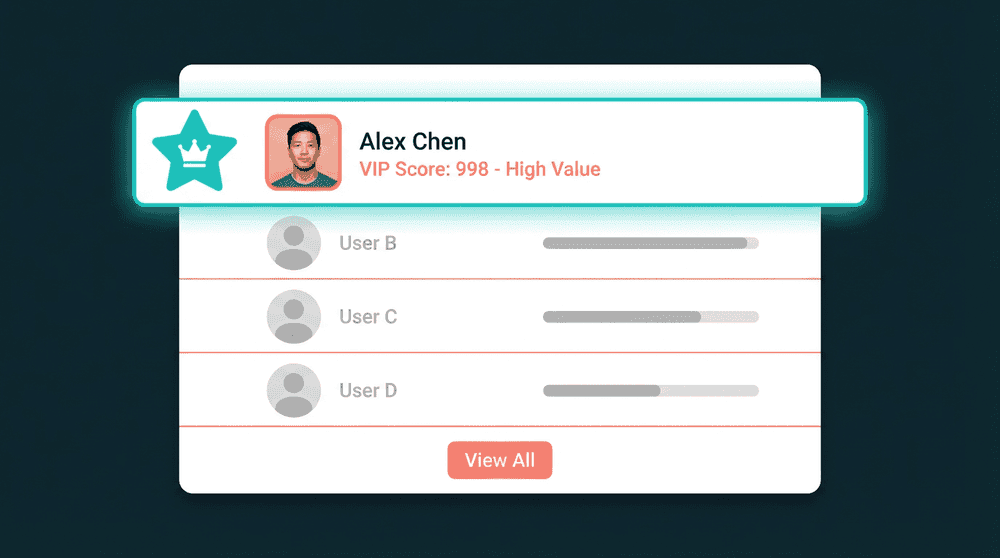
A competitor backlinks checker that lists each referring site once, sorted by the rank its link passes. Set a lowest site rank, a highest spam score and dofollow only, and the junk never arrives.
Each linking site once, ranked, with the spam cut
A competitor backlinks checker that lists each referring site once, sorted by the rank its link passes. Set a lowest site rank, a highest spam score and dofollow only, and the junk never arrives.

A request written for each site, from the link it gave
AI writes each email from that site's own link: the page it sits on, the anchor text and the competitor page it points to. Your offer stays yours. The reason this editor cares comes from the link.

Follow-ups run until an editor answers
Email steps go out from your own Google Workspace mailbox on the delays you set. Every reply lands in one inbox, and a reply stops the follow-ups for that site.

New competitor links arrive weekly, synced to your CRM
Save the search and run it on a schedule. Each new site that starts linking to the competitor is added, emailed and written to HubSpot, Airtable or a Google Sheet with the link, its rank and reply.
How to find competitor backlinks and request your own
Five steps, none of them a spreadsheet. The count and the sample are free, and the cost of everything else is shown before it runs.
Step 1
Name the competitor's domain or a single page
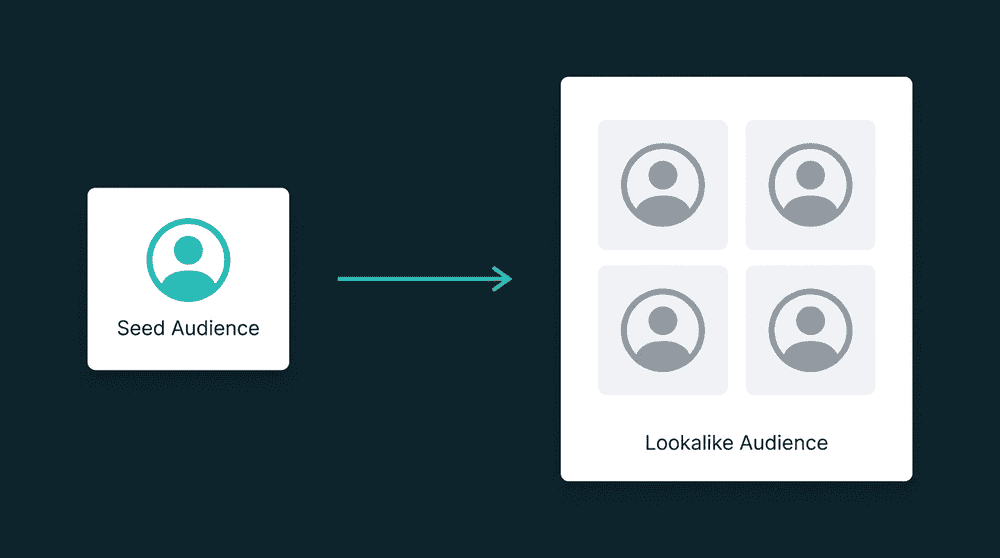
Type competitor.com, a subdomain or one URL. The number of sites linking to it counts up as you type, free. Preview five of them with the page title and anchor text before adding anything.
Step 2
Cut the list to the links worth asking for
Filter on the rank the link passes, the site's own rank, its spam score, dofollow only, the site type, country and language. Blogs and news sites stay. Directories and link farms never arrive.
Step 3
Find and verify an email for each site
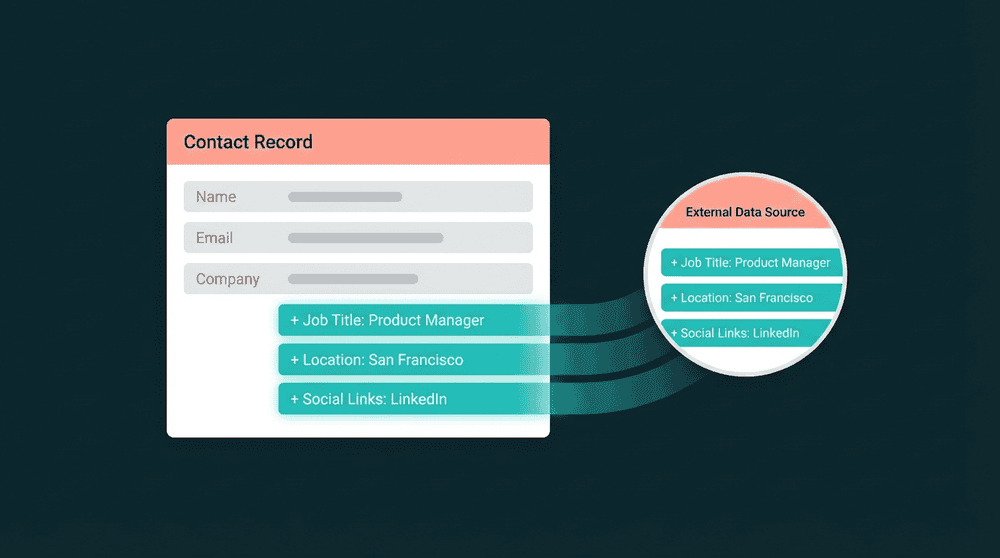
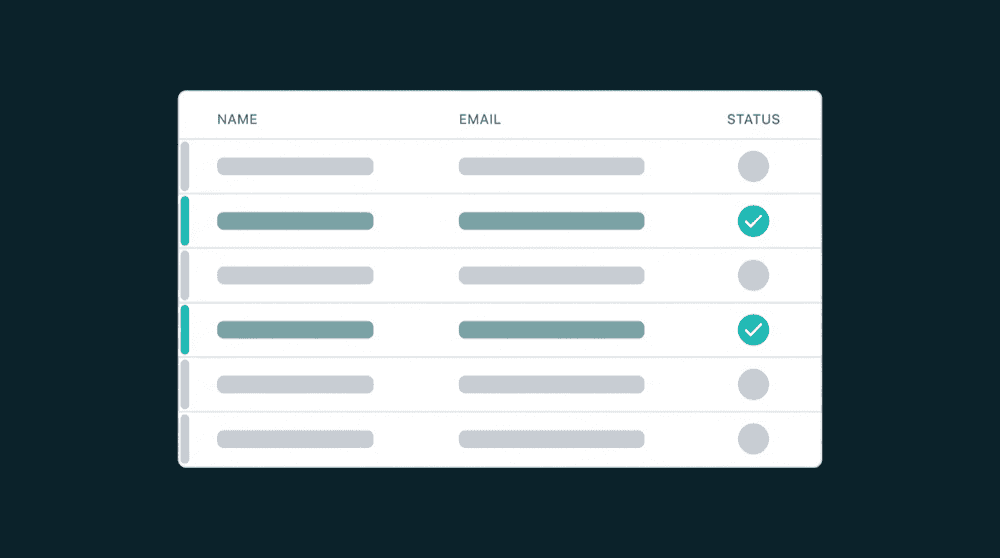
The waterfall finds contact@ or editor@ per site, cheapest source first, and a miss costs nothing. An agent reads the site itself when no database has one. Every address is checked before you send.
Step 4
AI writes the request from the link, then sends it
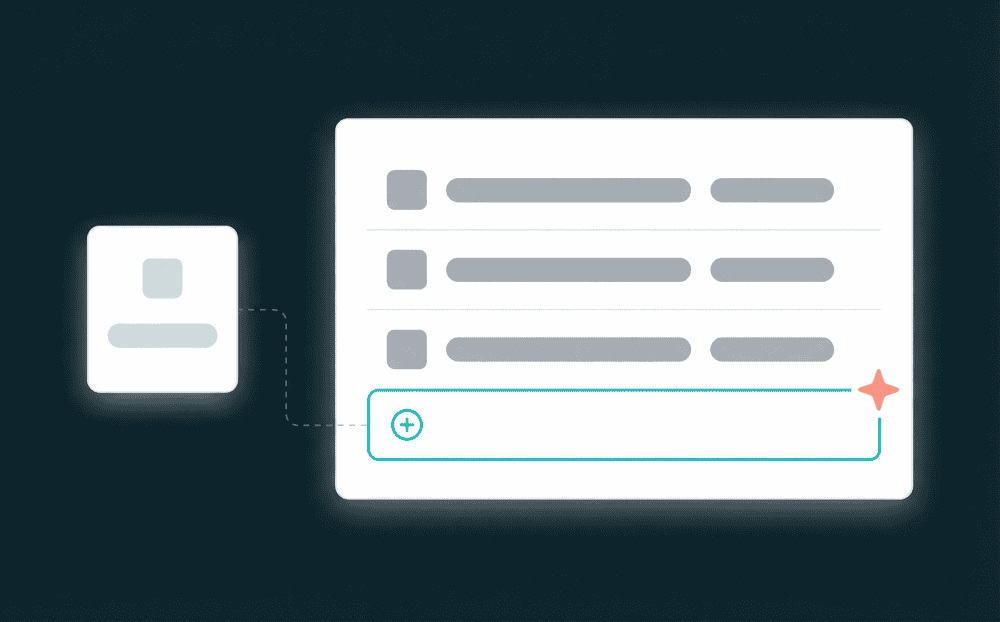
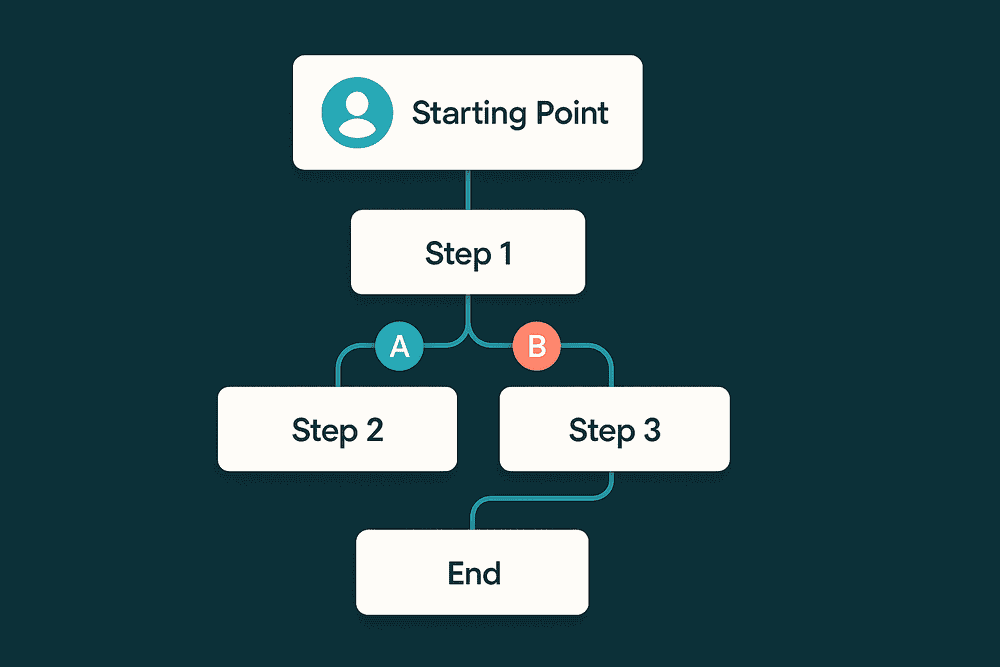
Each email names the page the link sits on and the competitor page it points to, then proposes yours. You set the offer and the delays. Follow-ups go from your Google Workspace mailbox until a reply.
Step 5
Replies land in one inbox, new links keep arriving
Every reply from every mailbox lands in one inbox and stops that site's follow-ups. Put the search on a weekly schedule and each new site linking to the competitor is added and emailed on its own.
FAQ
How do I find competitor backlinks in Oneprofile?
Can I check competitor backlinks free?
How does Oneprofile remove low-ranking backlinks from the list?
How does it find an email for the site that has the backlink?
What does the backlink outreach email say?
Can I see who links to a competitor every week without re-running the search?